Hotels and apartments
Put a branded welcome, amenities and reception details on the in-room TV. Guests can find answers to common questions and see what services they can request.
Plaza TV
Turn your existing televisions into a hotel menu with your branding, amenities and guest information. Plaza TV runs on compatible Smart TVs or an Android TV box.
Version 0.7.3 · Android · 15-day trial
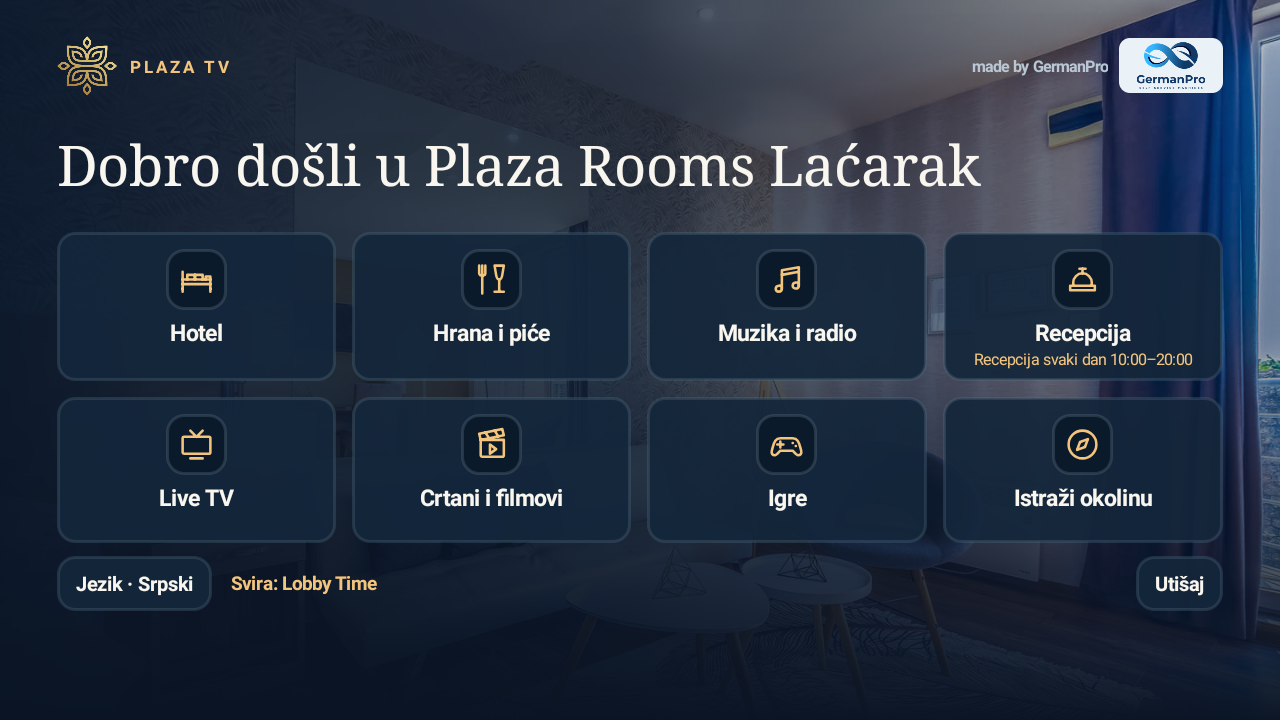
Put a branded welcome, amenities and reception details on the in-room TV. Guests can find answers to common questions and see what services they can request.
One screen for live TV, radio, on-demand video, offline games and selected apps.
TV menus for guest rooms and information screens for reception, waiting rooms or workplaces. We tailor content by room or zone so guests can browse amenities in their room and find relevant information in shared spaces.
Watch selected local, regional and international internet channels, including Türkiye’s TRT channels and live music TV in the app. The property can add its own IPTV playlist (M3U) and programme guide (XMLTV).
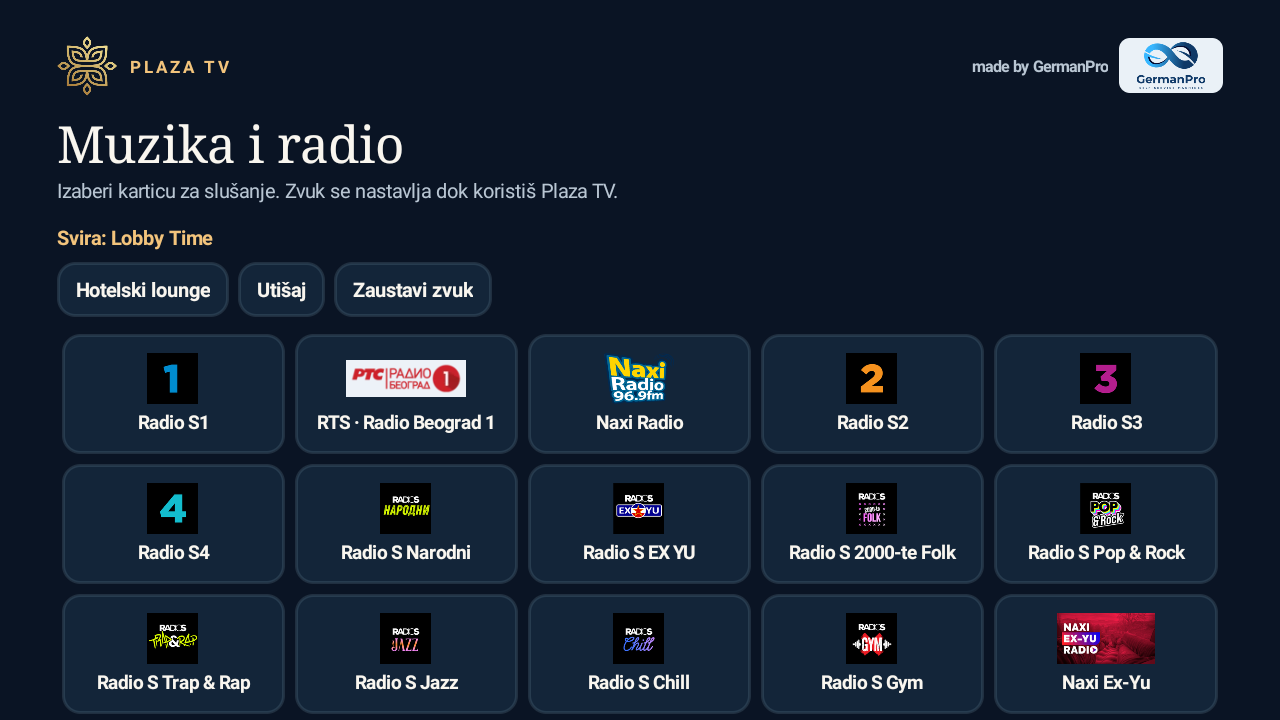
Pick a radio station by its icon and name from the same grid as the lounge tracks and listen while using the menu. Hotel music starts when the app opens, can be muted and stops when a guest switches to the radio.
Pick a cartoon, short film or other on-demand video, or use the remote to play offline games such as memory match and tic-tac-toe. The menu also opens compatible apps such as YouTube and Kodi.
See photos and details of the rooms, seasonal indoor pool and wellness facilities, including a spa suite with a hot tub, sauna and solarium.
See what’s on offer, when reception is open and how to connect to Wi-Fi. Scan the QR code to open the ordering portal on a phone or use Telegram if the property has configured it. Reception confirms order availability.
Use the offline guide to Laćarak and Sremska Mitrovica to plan a visit to Sirmium, a walk along the Sava or a trip to Zasavica. Find dining spots including Posejdon, Sojenica, Legat and Diana. See addresses on the TV or scan a QR code to open the map on a phone.
The menu and guide are available in Serbian, English, German and Russian. Live TV, internet radio and video streams require an internet connection.
Try it on your TV
Download the APK, transfer it to your Android TV or box, and open it with the file manager. If Android prompts you, allow installation from that source. The 15-day trial starts at the first online activation. The app locks when the trial expires. Contact GermanPro to buy an annual licence and request a version tailored to your property.
Buy an annual licence for the software and keep your compatible TVs and boxes. We can recommend an Android TV box over HDMI for Samsung Tizen, LG webOS and other TV systems.
We tailor the logo, colours, room and amenity information, opening hours, QR codes, languages and content for guest rooms, reception and shared screens. Send us your device models and screen count for a quote.
Tell us how many screens you have, which TV or box models you use, and what you want to show in each room or shared area. We review your existing equipment before proposing a setup and rollout.